Microsoft 32-bit Bedienungsanleitung Seite 40
- Seite / 48
- Inhaltsverzeichnis
- LESEZEICHEN

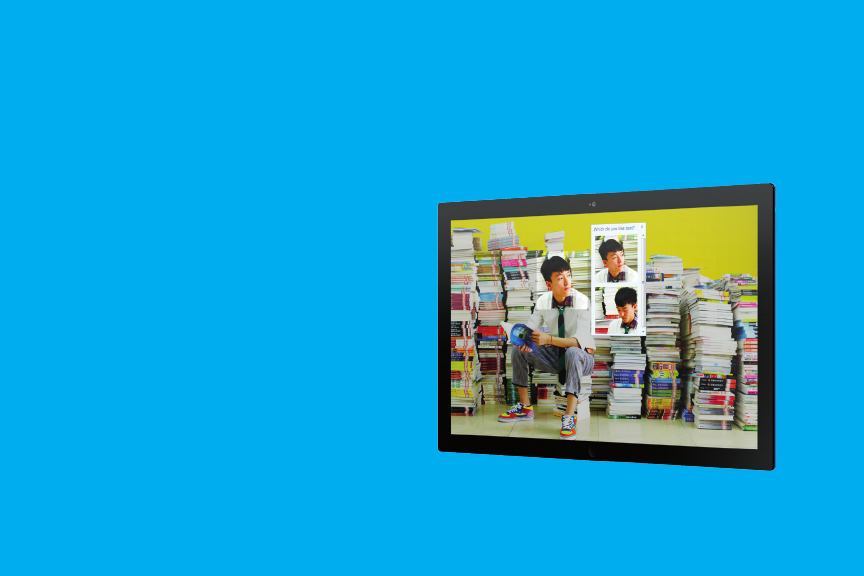
- Meet the new Windows 1
- Go back to the Start 5
- Know your corners 6
- Discover the edges 7
- Swipe down to select 8
- Navigate 9
- Zoom out 10
- Discover the Start screen 12
- Search across your PC 14
- Passwords have never looked 16
- Windows 8 17
- Put your favorite people 20
- Be social from one hub 21
- Do two things at once 22
- Share something interesting 24
- Be as productive as ever 26
- Welcome to modern email 28
- All the music you love 29
- Any way you want it 29
- The life of the living room 32
- Add a Microsoft account 36
- Get cloud-connected 37
- Touch a more beautiful web 42
- Bing is for doing 43
- Additional resources 45
- Trial Name 47
- What to do with your mouse 47
- Keyboard shortcuts 48
Verwandte Produkte und Handbücher für Tablets Microsoft 32-bit
 (1 Seiten)
(1 Seiten)
(2 Seiten)
(1 Seiten)
(1 Seiten)
(5 Seiten)
(100 Seiten)
(99 Seiten)
(108 Seiten)
(115 Seiten)
(135 Seiten)
(93 Seiten)
(1 Seiten)
(1 Seiten)
(1 Seiten)
(2 Seiten)
(1 Seiten)
(1 Seiten)
(5 Seiten)
(100 Seiten)
(99 Seiten)
(108 Seiten)
(115 Seiten)
(135 Seiten)
(93 Seiten)
© 2020, manymanuals.de. Alle Rechte vorbehalten. | 0.033 s |
 Manymanuals.com
 Manymanuals.de
 Manymanuals.fr
 Manymanuals.it
 Manymanuals.pl
 Manymanuals.cz
 Manymanuals.es
 Manymanuals-pt.com
Kommentare zu diesen Handbüchern